pilcrow.
A workspace for
work in progress.
Where things stand.
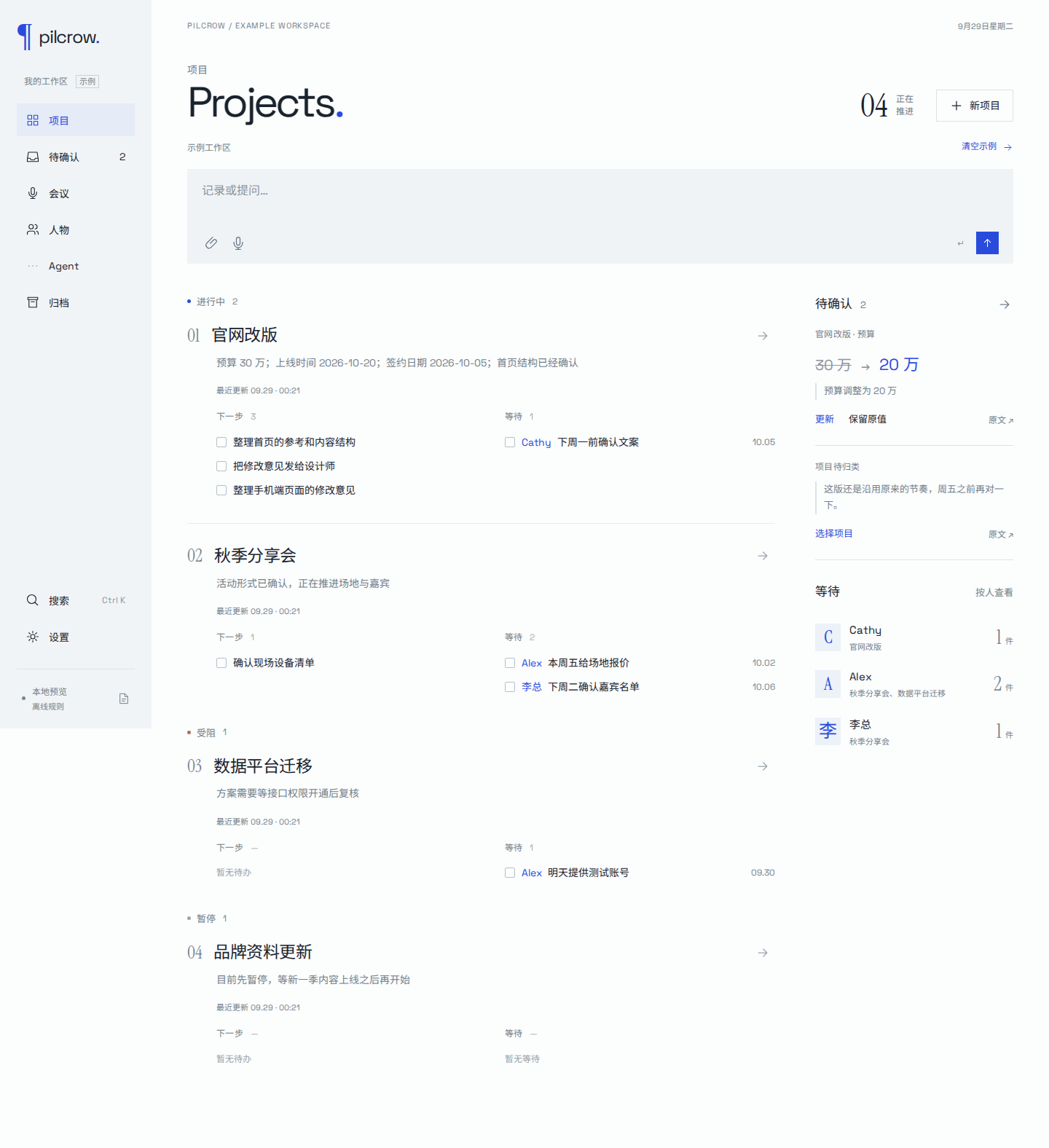
A message, a meeting, a screenshot. Bring it in, and keep the project, the next step and the person you’re waiting for together.
Different work.
Different pages.
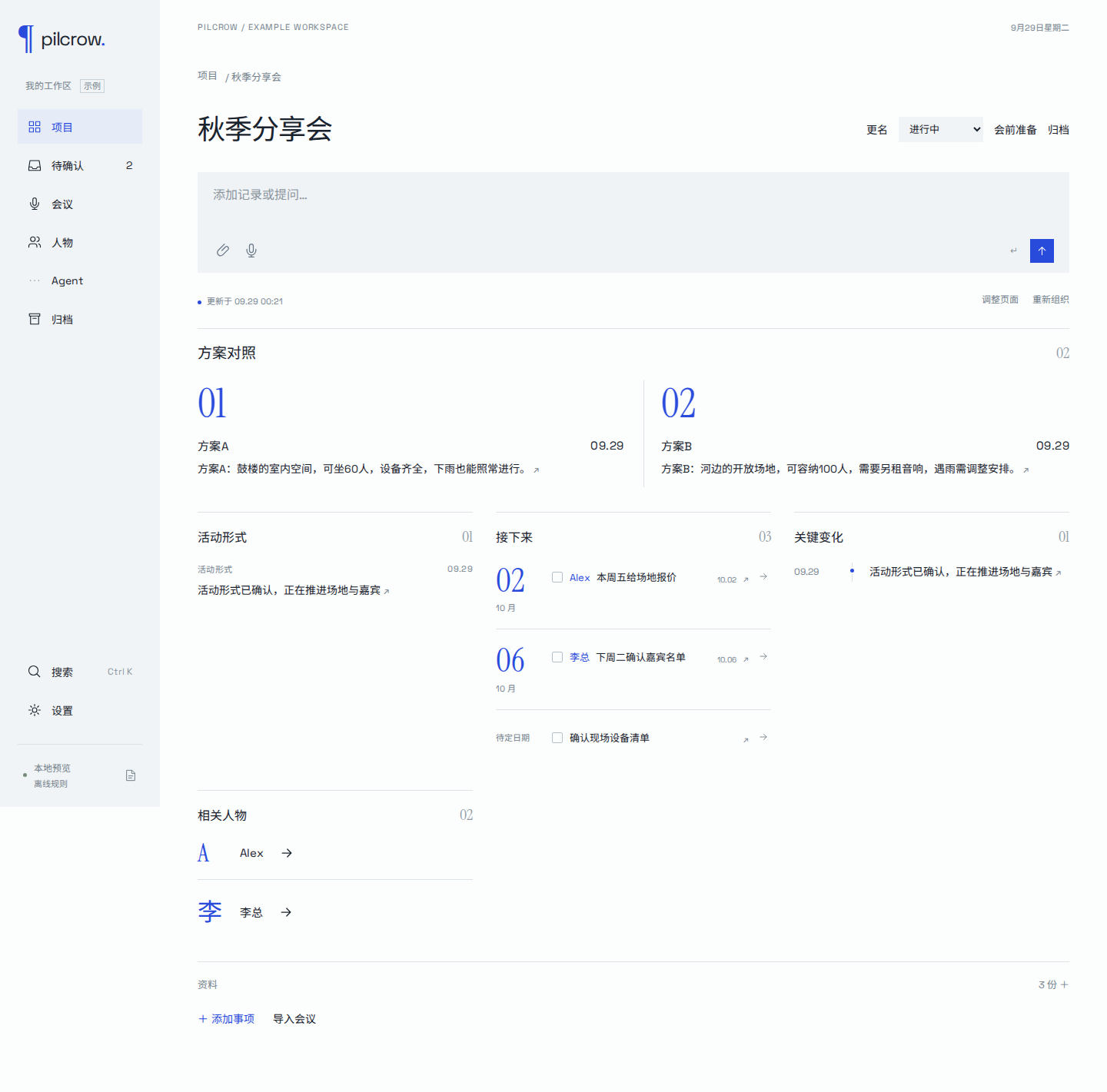
An event may need a comparison of venues. A launch may need its dates up front. Pilcrow composes the page from the material already in the project, then adjusts it as new information arrives.
Ask for a different arrangement. The notes, commitments and source links stay attached.
What was
actually said.
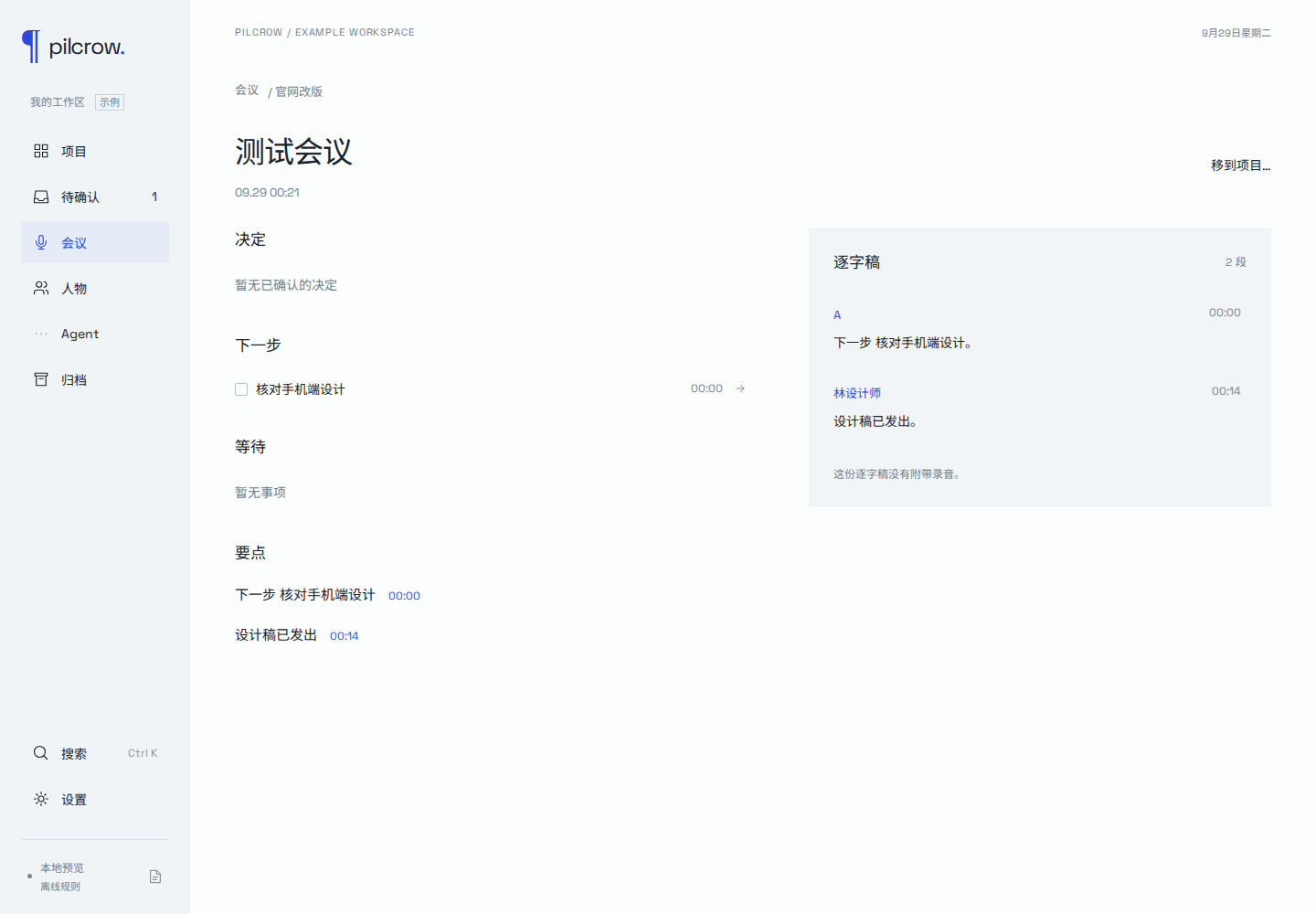
Meeting decisions and follow-ups link to the transcript. With a recording attached, a timestamp takes you back to the audio. Before the next meeting, return to what was agreed and what is still waiting.
Questions about a project come back with sources, too.
Your workspace.
Your models.
Notes, files, recordings and settings stay on your computer. Choose the model and transcription services you want to use. Only the material you send for processing goes to those services.
Without a model connection, local rules still sort simple notes, dates and commitments.